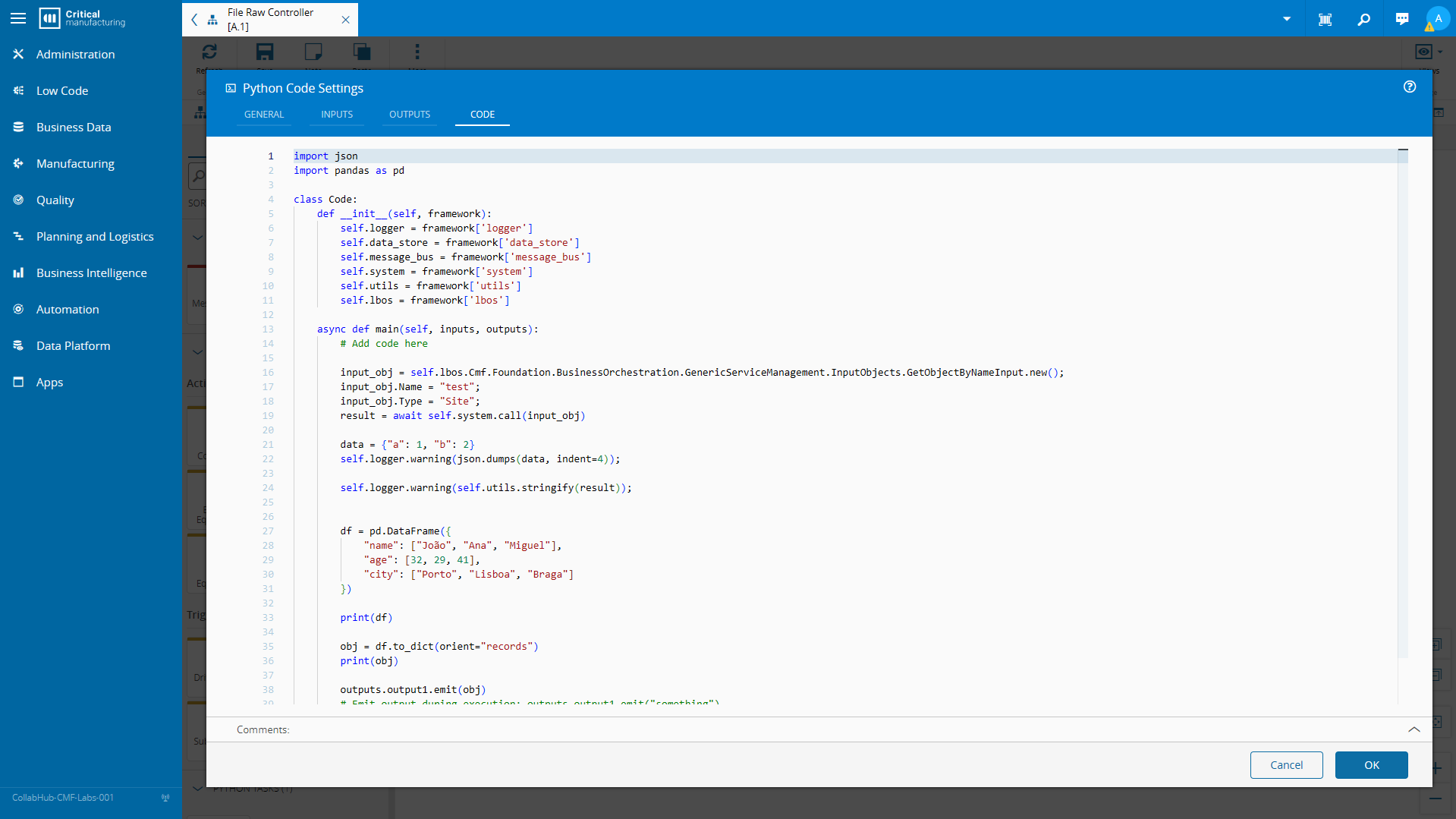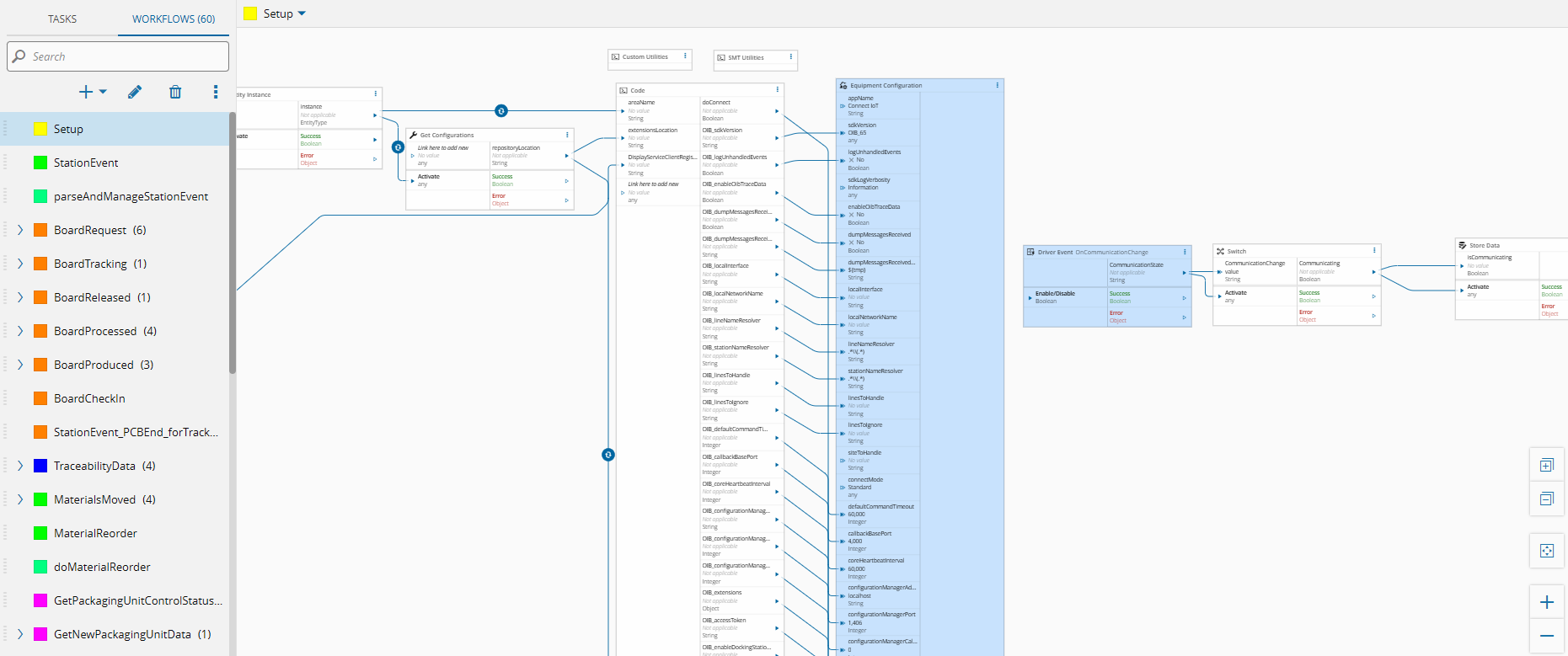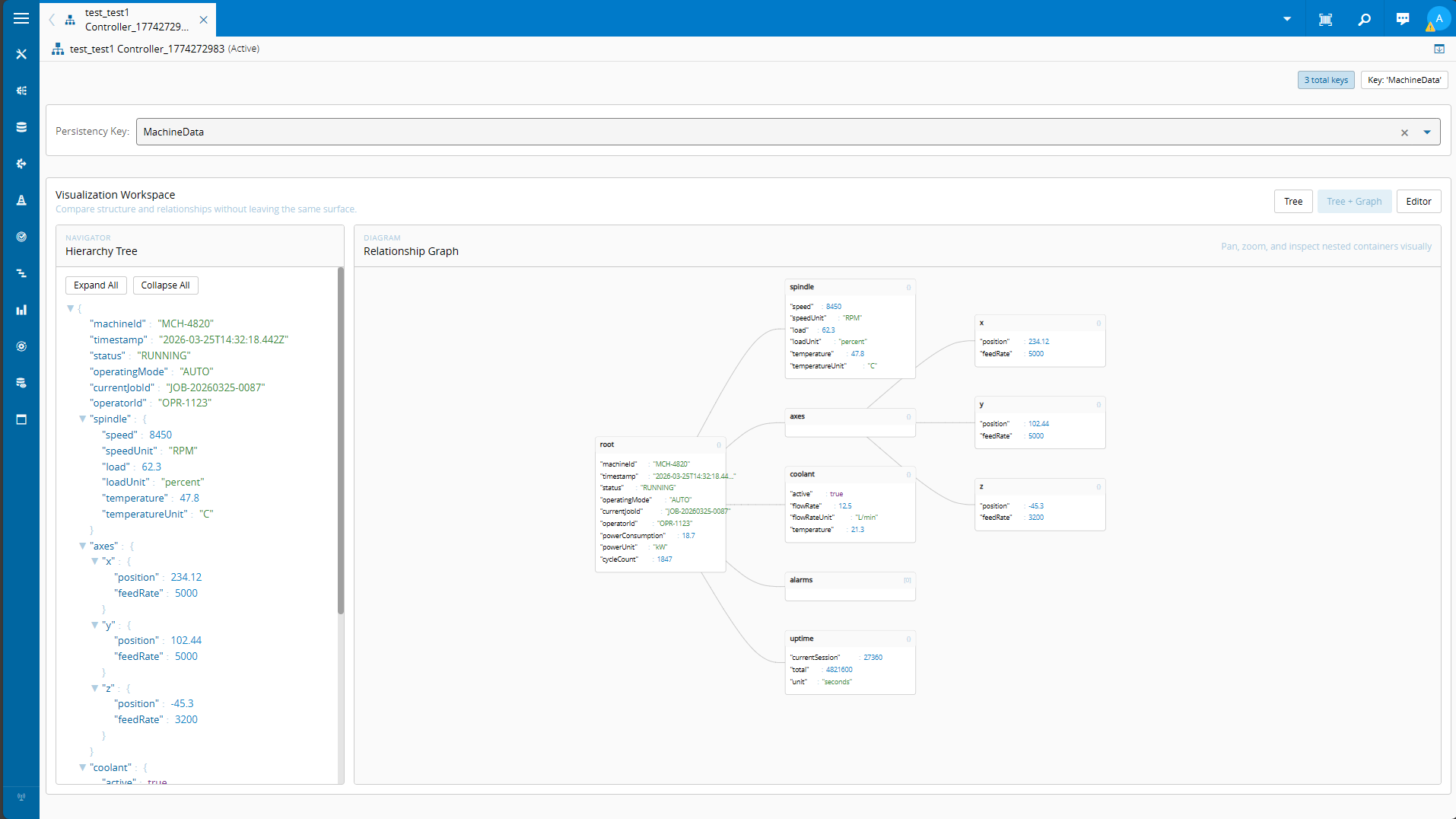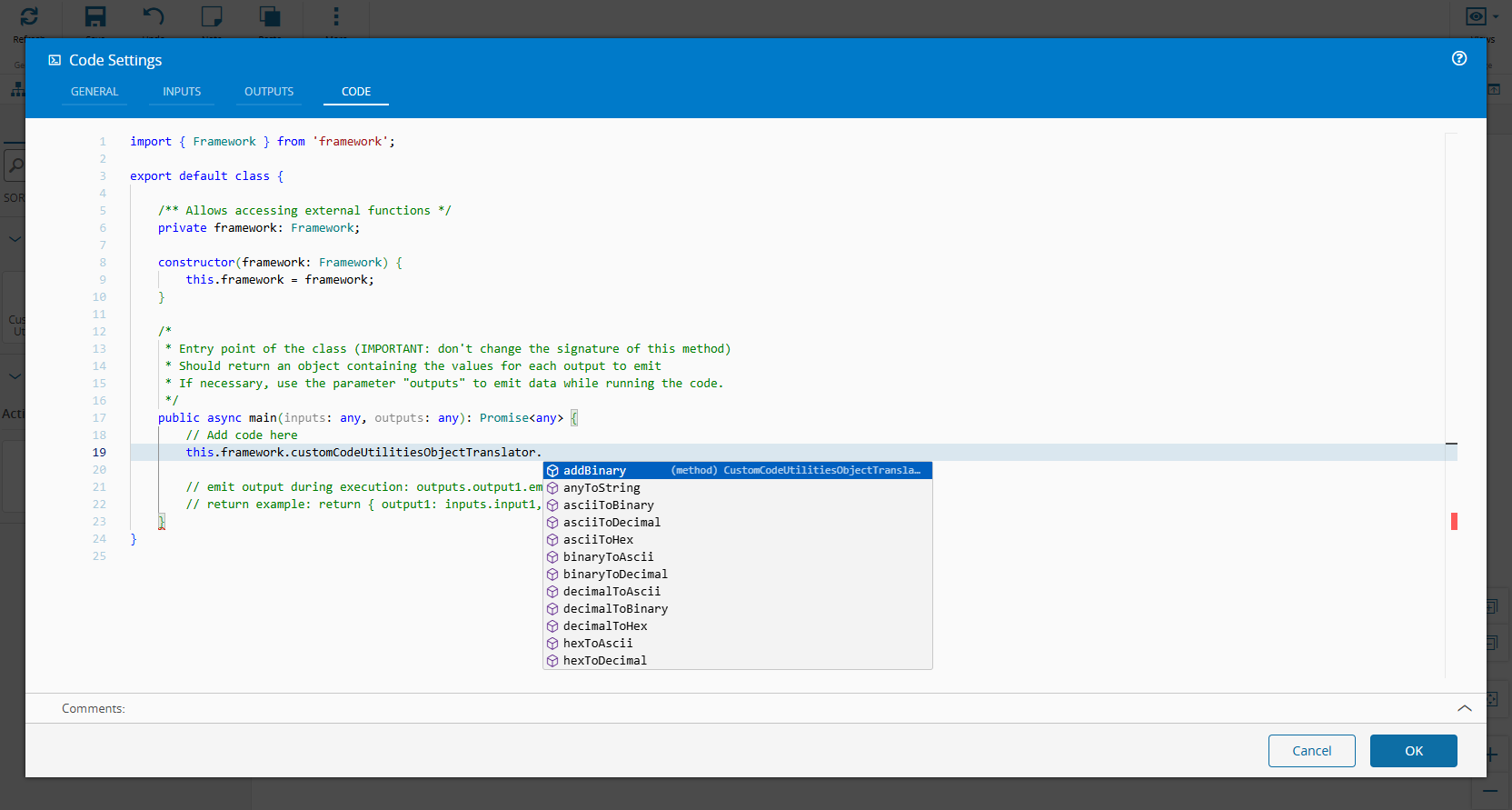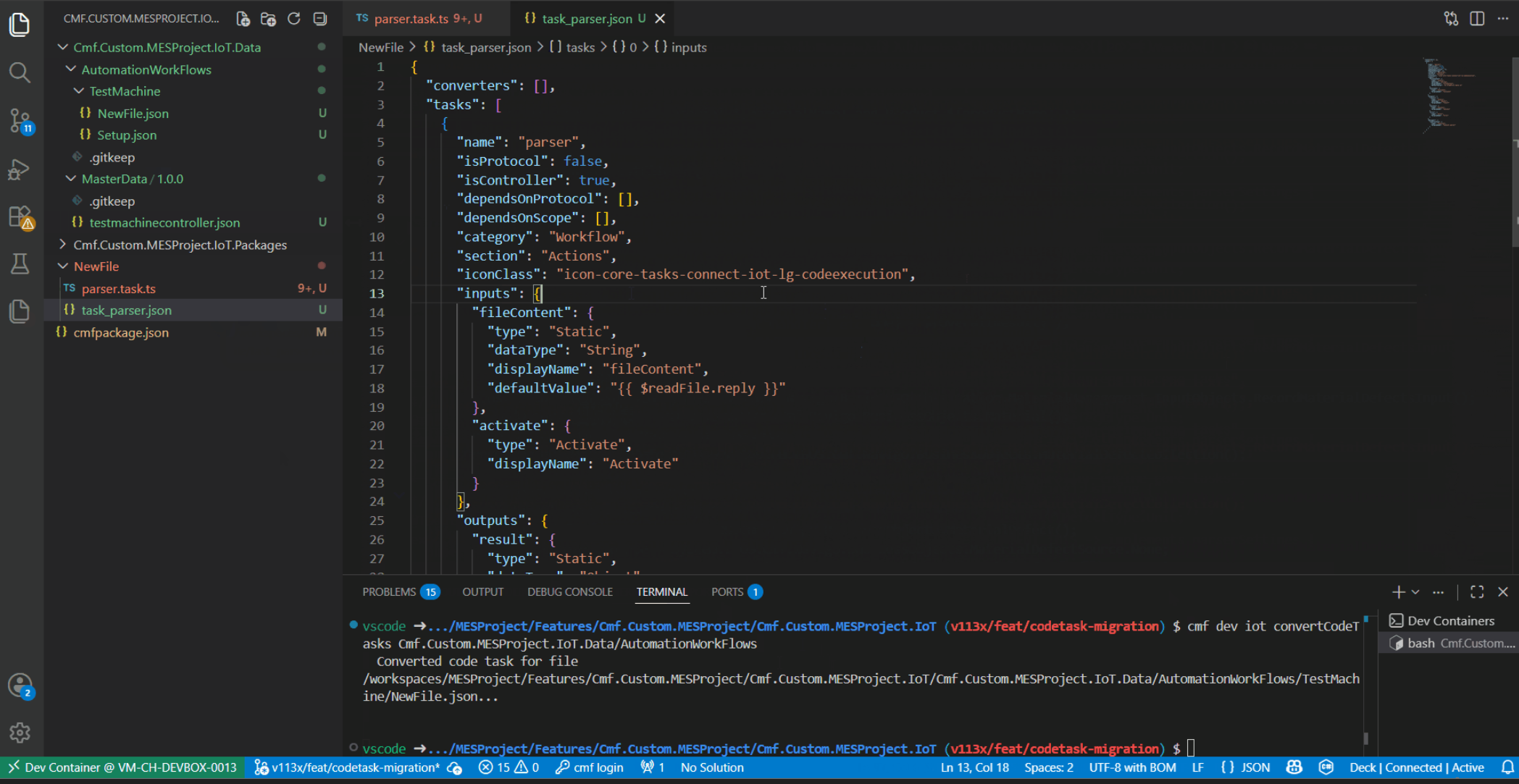
Some months ago we showcased how we could have python as the main tool for building tasks Python Code task. This made sense as the people who would interact with Data platform and analytics were data engineers and python reigns supreme.
Hand a backend developer that same python or typescript sandbox and they will feel out of their comfort zone. In this blog post we showcase how we can design a solution that allows for C# native code tasks.
All the artifacts showed here can be downloaded and used at MES Common Library
Overview#
For python, Pyodide running real CPython in a Connect IoT flow was our main leverage for making this work. This was aimed squarely at data engineers who live in pandas and don’t want to leave it just to touch a shop floor. This post is about c-sharp-roslyn-code, its C# counterpart, and it exists for a different reason than “give C# people the same toy.”
The interesting part isn’t that it runs C#. It’s that the C# it runs is the same C# a Critical Manufacturing backend developer already writes twice elsewhere: once in a custom .NET service that calls the MES directly, once in a Business Rule’s DEE Action Code also as a low code DEE. This task is the forth surface, and the goal of this post is that moving between all three should cost you nothing, same language, same LBO contract, same completion engine and same mental model.
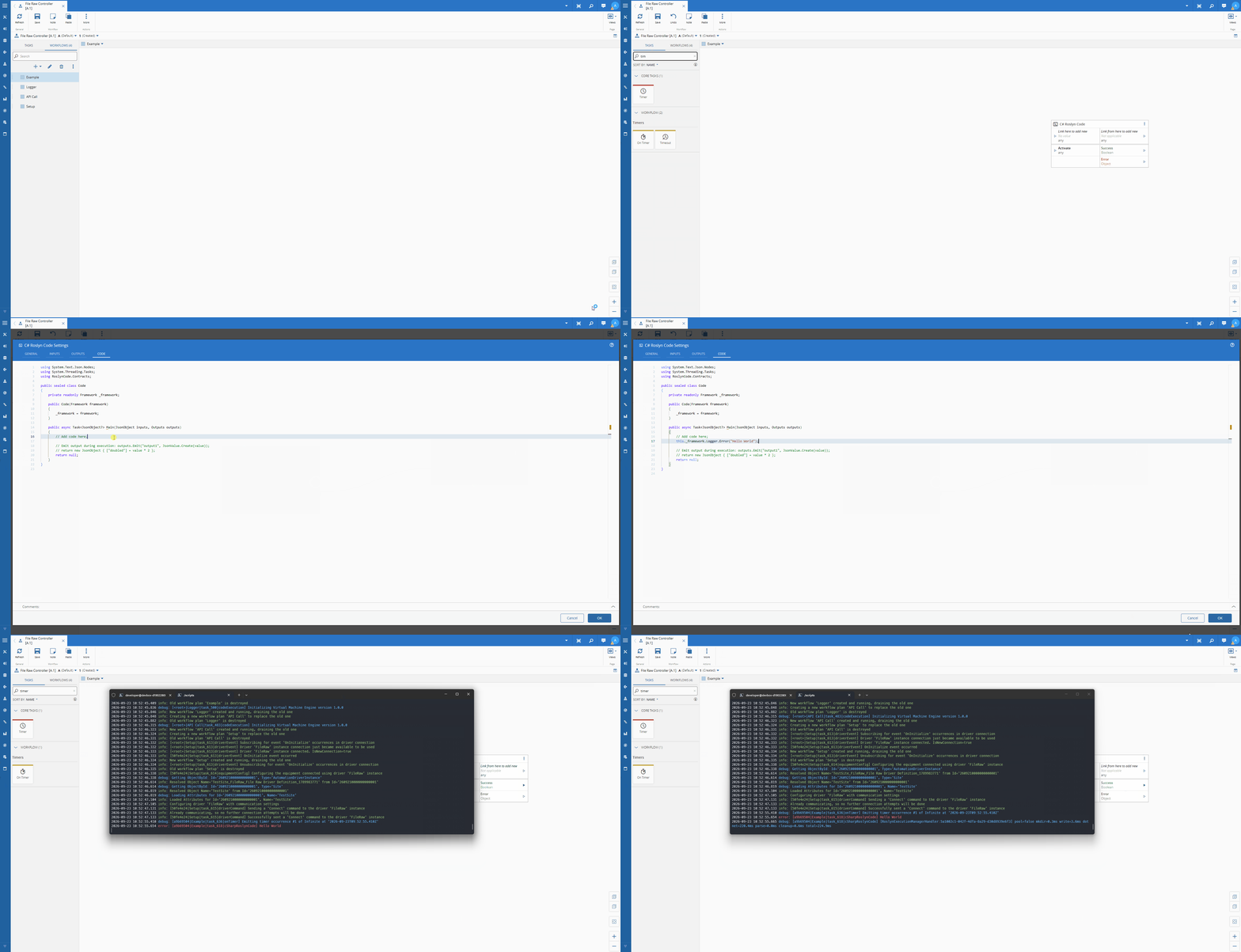
Two Kinds of Comfortable#
Python, Typescript and C# are not competing for the same job, they’re each home turf for a different person.
A data engineer building an analytics pipeline is comfortable with a REPL, doesn’t care whether a variable is typed, and wants the python libraries more than they want the compiler yelling at them before they hit run. Pyodide’s self.lbos dynamic bridge fits that: point it at an LBO by name, get a dictionary back, move on.
A backend developer building shop-floor logic has spent years in the opposite world. They want the compiler to fail before deployment, not during a production run at 3am. They want to type _framework.System.Call< and see the actual generated output type autocomplete, not discover a typo in a string three hops downstream. They already know exactly what Cmf.Navigo.BusinessOrchestration.ContainerManagement.InputObjects.EmptyContainerInput looks like, because they’ve constructed it before in Visual Studio, not in a browser sandbox.
Building one code task and asking both audiences to use it would have satisfied neither. So there are three, each fitting a different target audience.
Four Surfaces, One Language#
Here’s the part that actually matters for a backend developer’s day-to-day: writing C# against the MES was never new. What was missing was doing it inside a Connect IoT flow without dropping down to a different toolchain.
| Surface | Where the code runs | Compiled | Audience |
|---|---|---|---|
| Custom backend service | Your own .NET api extension of the MES API | Ahead of time, in Visual Studio | Backend developer creating new APIs |
| DEE Action Code (Business Rule) | Inside the MES process itself | Server-side, the moment you press save | Backend or functional developer extending an out-of-the-box process |
| Business Workflows | Inside the MES process itself | Server-side, the moment you press save | Citizen developers, similar to a DEE but with a low code designer |
| C# Roslyn Code task | The Connect IoT controller, in a child dotnet process | Roslyn, in-browser, when you save the flow | Backend developer building shop-floor integration flows |
Four different runtimes, four very different deployment stories, and the same language, the same BaseInput/BaseOutput LBO contract, and, as it turns out, the same completion engine philosophy.
Getting There Wasn’t the Obvious Path#
This isn’t the first attempt at a C# code task. The requirements were hard, it had to be able to have IDE like behavior in the frontend and be very performant in the Connect IoT runtime.
We started with trying to go WASM (WebAssembly) using Bootsharp (the DotNetJS project) to compile a fixed C# runner project ahead-of-time to WASM. It worked, but every limitation traced back to the same root cause, Bootsharp is a build tool, not an interpreter, so there’s no runPythonAsync style “just hand it source text” API:
- every controller host needed the .NET SDK and the
wasm-toolsworkload installed, not just a runtime - the first activation after any code change paid a real
dotnet publishcost, tens of seconds, more with NuGet packages - no equivalent of Python’s dynamic
self.lbosbridge, and no retry-callback support
None of that is a complaint on Bootsharp, it’s simply the wrong tool for “compile whatever the user just typed, right now”. With the Roslyn we split the problem in two: compile once, execute many times, on two different engines suited to each half.
How It Actually Compiles and Runs#
This is not Roslyn scripting (CSharpScript.RunAsync), and it isn’t an interpreter loop of any kind. It’s the full Roslyn compiler API, producing a real assembly, split across two stages that run in two different places.
Design time: compiling in the browser#
When you save the task, its settings component hands your source to a headless Blazor WebAssembly app bundled with the package rendered UI, it exists purely to run Roslyn’s compiler API client-side.
It has a fixed catalog of the full .NET 8 BCL (Base Class Library) reference assemblies plus RoslynCode.Contracts.dll (the Framework/Outputs API) and Cmf.LightBusinessObjects.dll, all embedded as EmbeddedResources in the package at build time. There is no NuGet restore step here, whatever the browser can compile against is decided once, when the npm package itself is built, not per task. We reasoned that Python’s ecosystem assumes pip install at runtime, .NET’s doesn’t work that way even in normal development, so a fixed reference catalog isn’t the compromise for C# that it would be for Python.
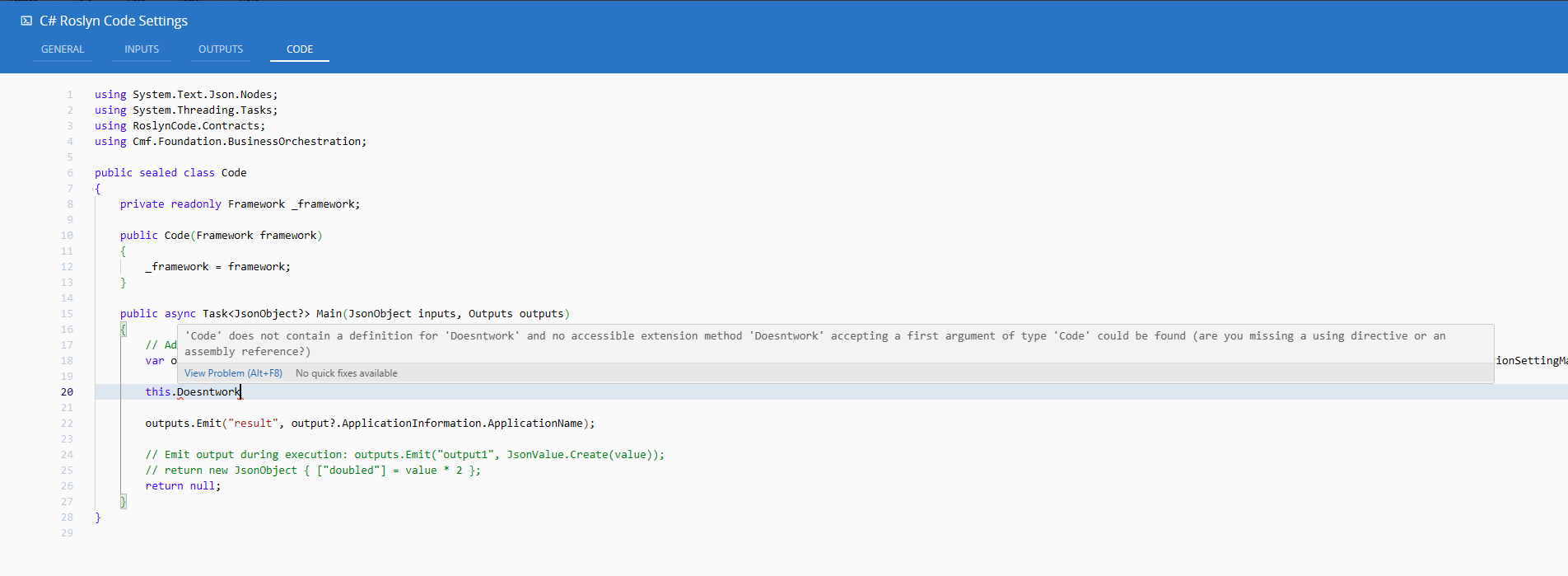
The designer will not let you save a task whose C# doesn’t compile.
onBeforeSaveruns the sameCompilecall, and any error diagnostic throws before the settings are persisted. Compare that to the Python task, where a typo just fails the first time the flow activates.
Runtime: a warm .NET process on the controller#
The compiled assembly in base64, alongside the source and a roslynCatalogVersion used to detect a stale compile against a newer catalog, is what actually gets persisted in the workflow. At runtime, the controller writes those bytes to disk and hands them to a bundled RoslynCode.Host console app, launched as a genuine, separate OS process through dotnet.
The goal is calling the Roslyn compiler API only once, in a browser tab, at save time. Then run plain System.Reflection on every execution, in a collectible AssemblyLoadContext that gets unloaded afterward, inside a real .NET process. The controller host only needs the .NET 8 runtime, no SDK, no wasm-tools, no dotnet publish on the critical path, because compilation already happened somewhere else entirely and that cost was already paid.
The two sides talk over a line-delimited JSON protocol on stdin/stdout. The controller sends one request; the host process can, before it answers, send any number of its own requests back, a log line, a data-store read, an MES system call, each correlated by a GUID and answered in turn.
That bridge is what lets user C#, running in a separate OS process, still call _framework.Logger.Info(...) or _framework.System.Call(...) and have it land on the live controller, logging, the persisted data store, the message bus, the driver, and MES system calls all pump through this same request/response loop. This is the layer that allows us to leverage and stitch together the best of both worlds. The IoT layer interfaces with the C# execution.
Unfortunately, this still took >100ms. This cost was mainly just dynamically booting up the dotnet process to execute.
Connect IoT is a high-performance, high-data-volume application, it may deal with receiving events in the milliseconds range.
The solution was building a warm pool of dotnet processes ready to execute, instead of having to pay a fresh dotnet startup cost every time, warmPoolEnabled / warmPoolSize. In each task we may define that a task is using the warm pool and if so, how many elements in that pool will be available. When performance really matters, the user can tweak this to extract the most performance.
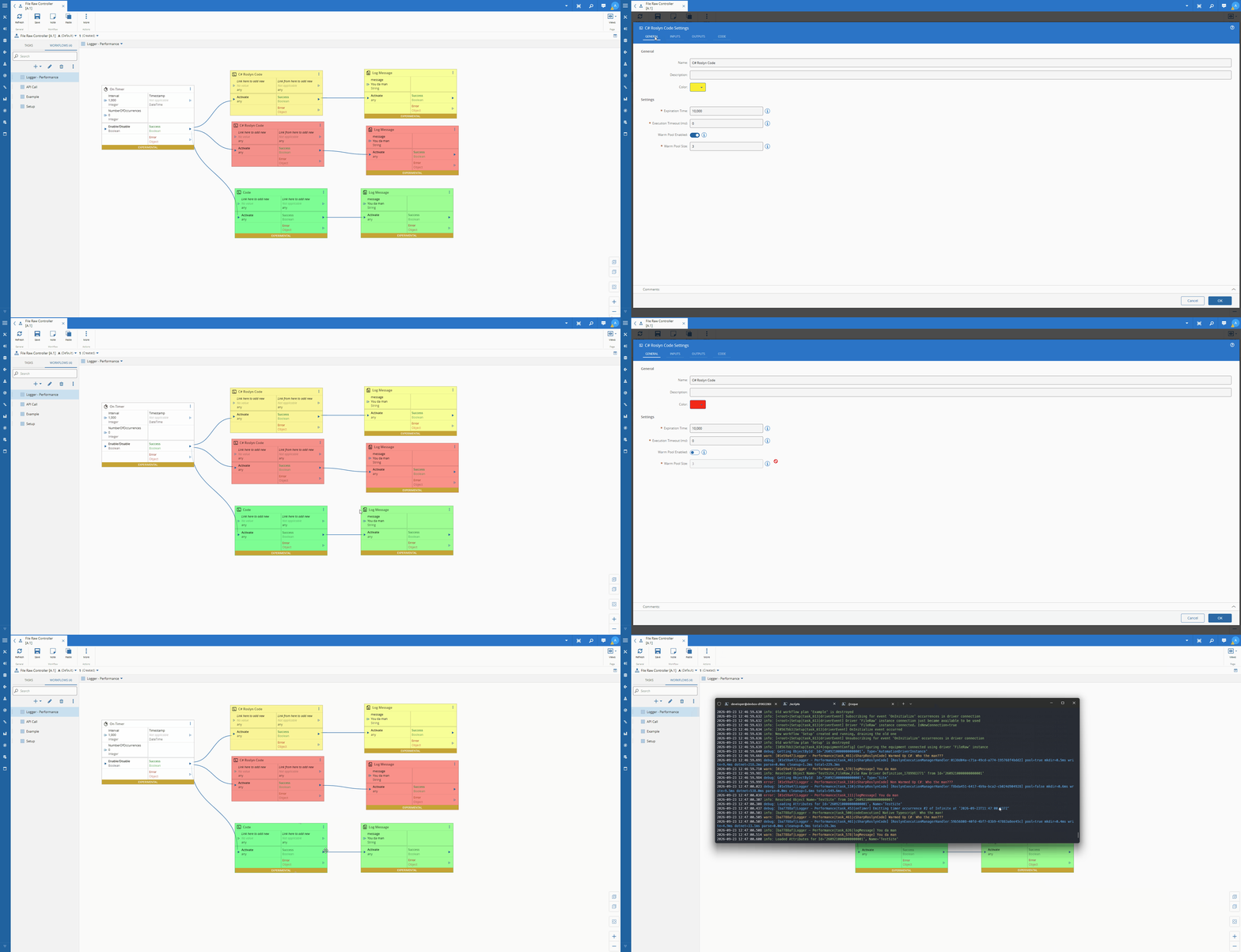
Looking at some performance comparison data:
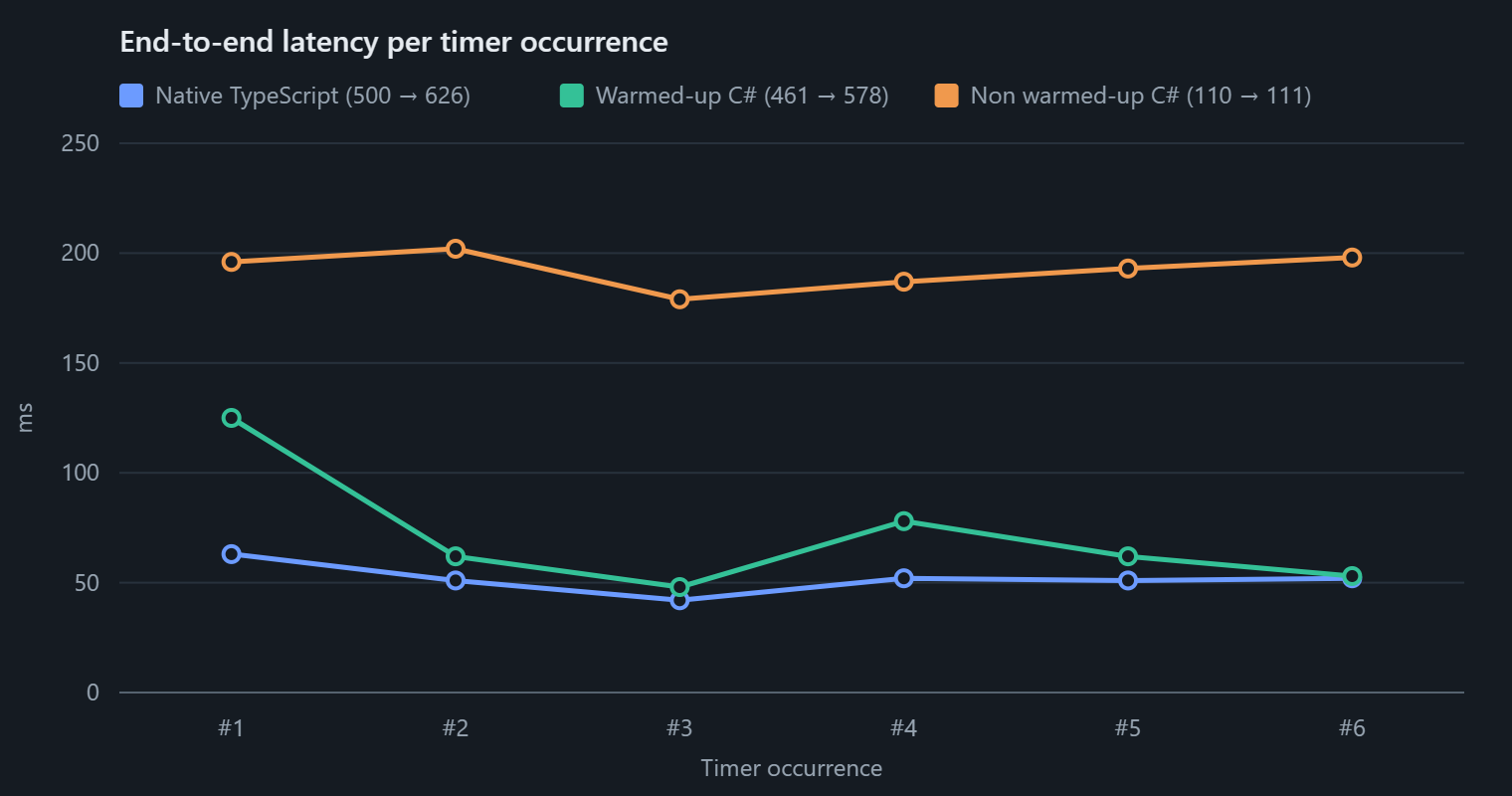
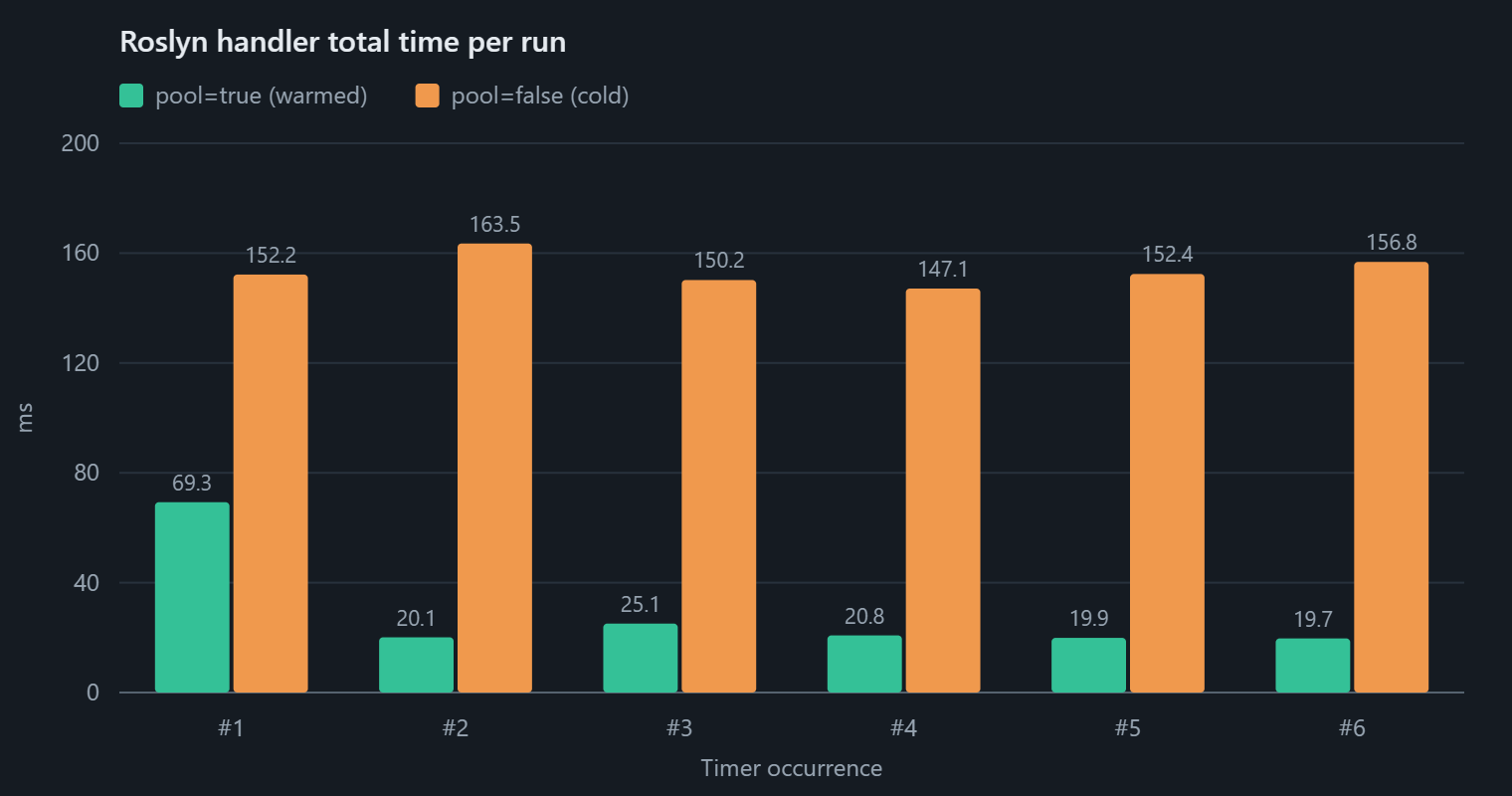
The charts show how we are still sacrificing some performance against native typescript, but it’s much lower that the non warmed up version and at these time ranges it may be insignificant.
The Template#
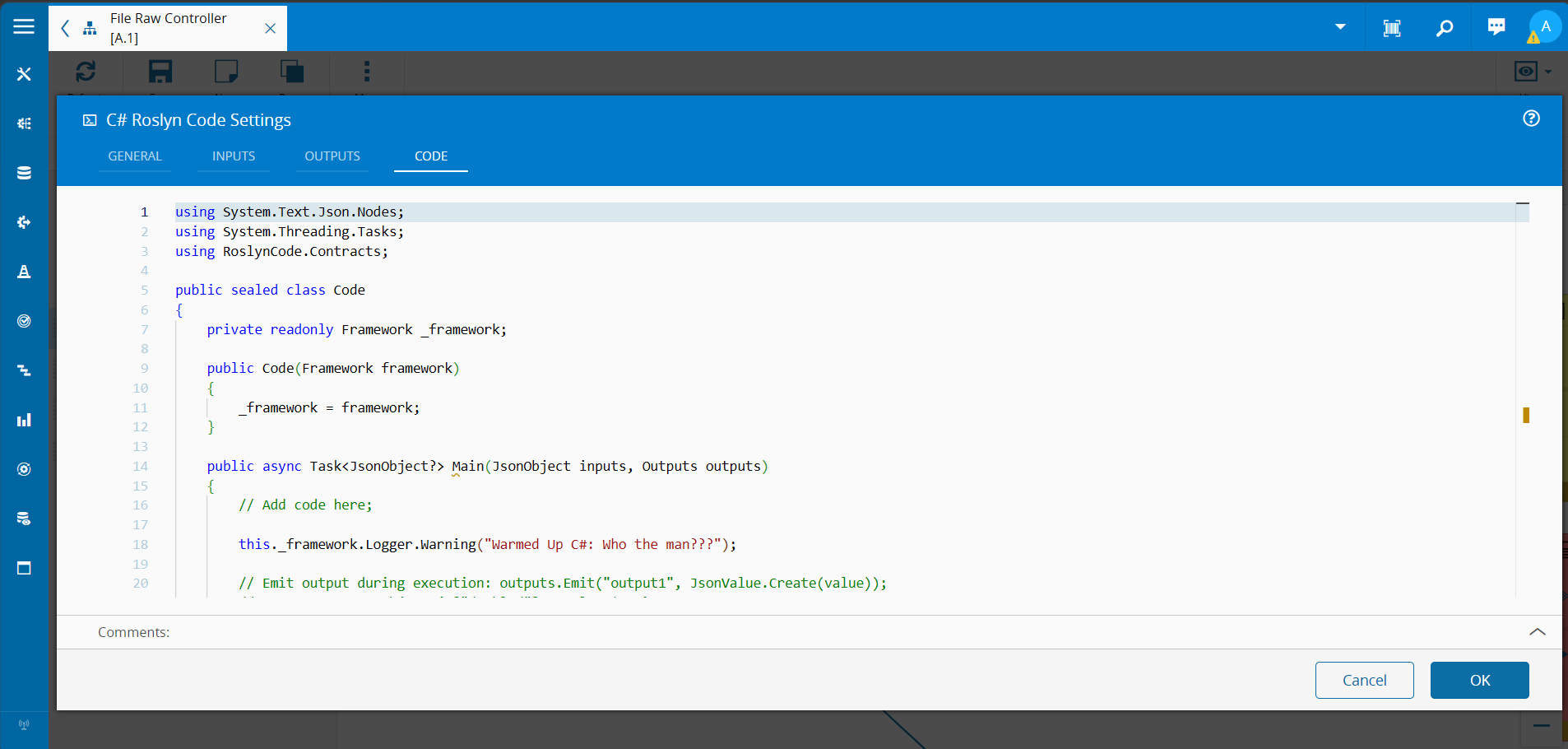
Same shape as the Typescript or Python task’s class Code, translated into what a C# developer expects a Code class to look like:
using System.Text.Json.Nodes;
using System.Threading.Tasks;
using RoslynCode.Contracts;
public sealed class Code
{
    private readonly Framework _framework;
public Code(Framework framework)
    {
        _framework = framework;
    }
public async Task<JsonObject?> Main(JsonObject inputs, Outputs outputs)
    {
        // Add code here;
// Emit output during execution: outputs.Emit("output1", JsonValue.Create(value));
        // return new JsonObject { ["doubled"] = value * 2 };
        return null;
    }
}
Calling the MES Like You Always Do#
This is the actual “seamless” part, not just an architectural echo of DEE. Framework.System.Call<TOutput>(BaseInput) is documented, in the contract source itself, as a direct mirror of the platform’s own JS-side call:
This means calling an MES service is as simple as declaring the input object and calling the service.
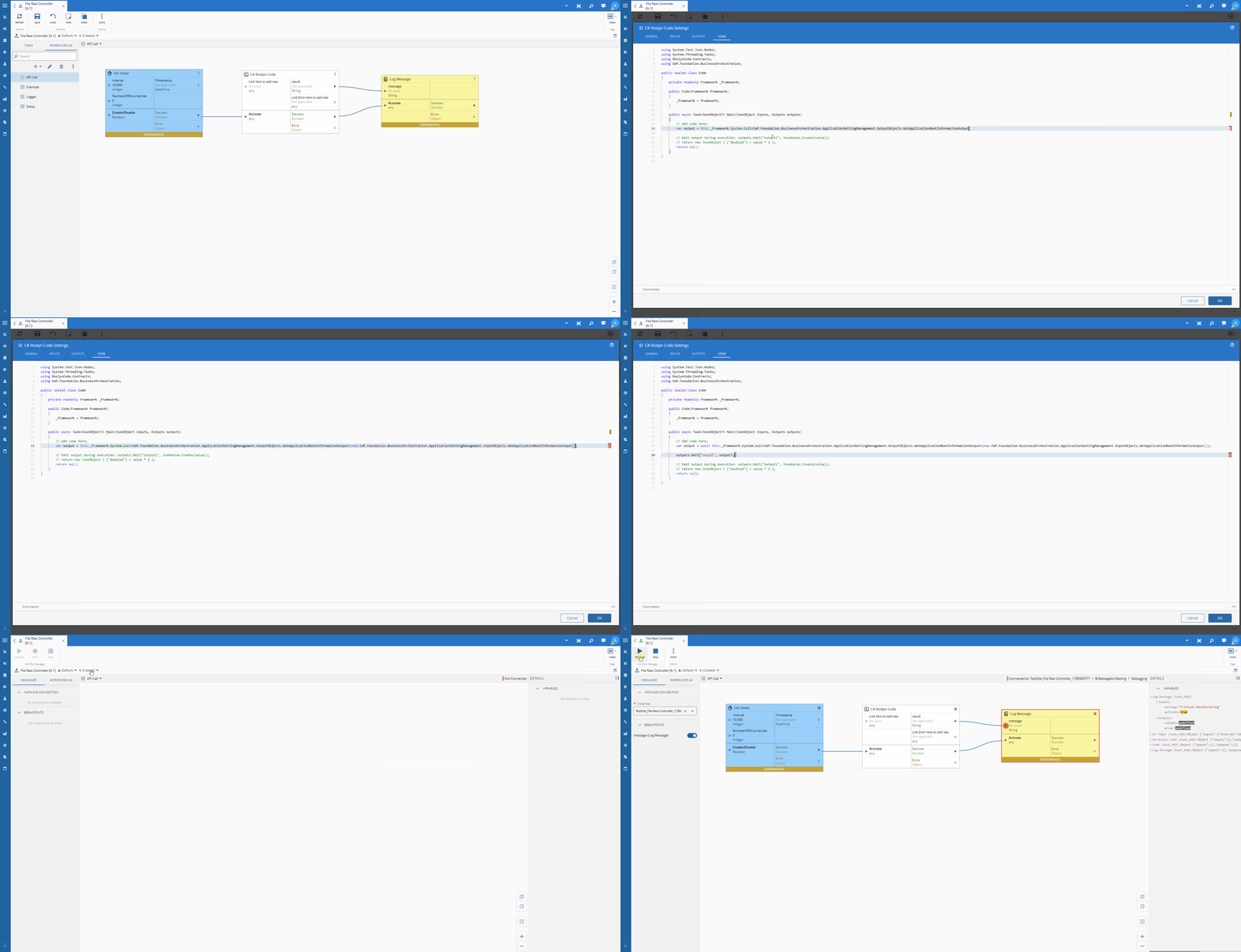
Let’s grab one of the simples API calls in the system, GetApplicationBootInformation:
In the typescript code task we would do:
    public async main(inputs: any, outputs: any): Promise<any> {
        const output = await this.framework.system.call(new this.framework.LBOS.Cmf.Foundation.BusinessOrchestration.ApplicationSettingManagement.InputObjects.GetApplicationBootInformationInput()) as LBOS.Cmf.Foundation.BusinessOrchestration.ApplicationSettingManagement.OutputObjects.GetApplicationBootInformationOutput;
outputs.result.emit(output.ApplicationInformation.ApplicationName);
    }
In C# we would do:
    public async Task<JsonObject?> Main(JsonObject inputs, Outputs outputs)
    {
        var output = await this._framework.System.Call<Cmf.Foundation.BusinessOrchestration.ApplicationSettingManagement.OutputObjects.GetApplicationBootInformationOutput>(new Cmf.Foundation.BusinessOrchestration.ApplicationSettingManagement.InputObjects.GetApplicationBootInformationInput());
outputs.Emit("result", output?.ApplicationInformation.ApplicationName);
        return null;
    }
This is first class support for api calls in our C# task.
Python vs. C# vs. Typescript, Side by Side#
| Python Code task | C# Roslyn Code task | Typescript Code task | |
|---|---|---|---|
| Audience | Data engineers, analytics work | Backend / .NET developers | Backend / Typescript developers |
| Execution engine | Pyodide, CPython compiled to WASM, interpreted in-process | Real assembly, compiled ahead of time, executed by reflection in a separate dotnet process | Transpiled to javascript code |
| Compile-time safety | None, errors surface at run time | Full, the designer refuses to save code that doesn’t compile | Full, the designer refuses to save code that doesn’t compile |
| IntelliSense | A hand-written completion provider | The real Roslyn CompletionService, same architecture as DEE’s | Monaco enabled intellisense. |
| Library access | micropip, arbitrary PyPI packages, at runtime | A fixed .NET reference catalog, baked in at package build time | A fixed typescript reference catalog, baked in at package build time |
| LBO access | self.lbos, dynamic, reflection-like, untyped | Framework.System.Call<TOutput>(BaseInput), statically typed, same contract as a Business Rule | this._framework.system.Call |
| Host prerequisite | None beyond npm install | .NET 8 runtime on the controller host | None beyond npm install |
Neither of these is the “better” task, they’re built for opposite instincts. The Python task trusts the interpreter and rewards you for it with import pandas and zero setup. The C# and typescript tasks trusts the compiler and rewards you for it with a save button that catches your mistakes before a machine ever sees them.
Final Thoughts#
The interesting design decision here wasn’t “let people write C# in a flow.” It was noticing that C# in a flow is worthless to a backend developer unless it behaves like the C# they already write everywhere else in the platform, same LBO contract, same completion engine, same “here’s your input, return your output” shape as a Business Rule. Get that right, and moving from a bespoke integration service, to a DEE Action Code snippet, to a shop-floor flow stops being three skills and becomes one skill applied in three places.
Data engineers get Pyodide and never have to see a compiler. Backend developers get Roslyn and never have to leave one. That’s the actual win, not that Connect IoT can run two languages, but that it stopped forcing either audience to be uncomfortable in the other’s.