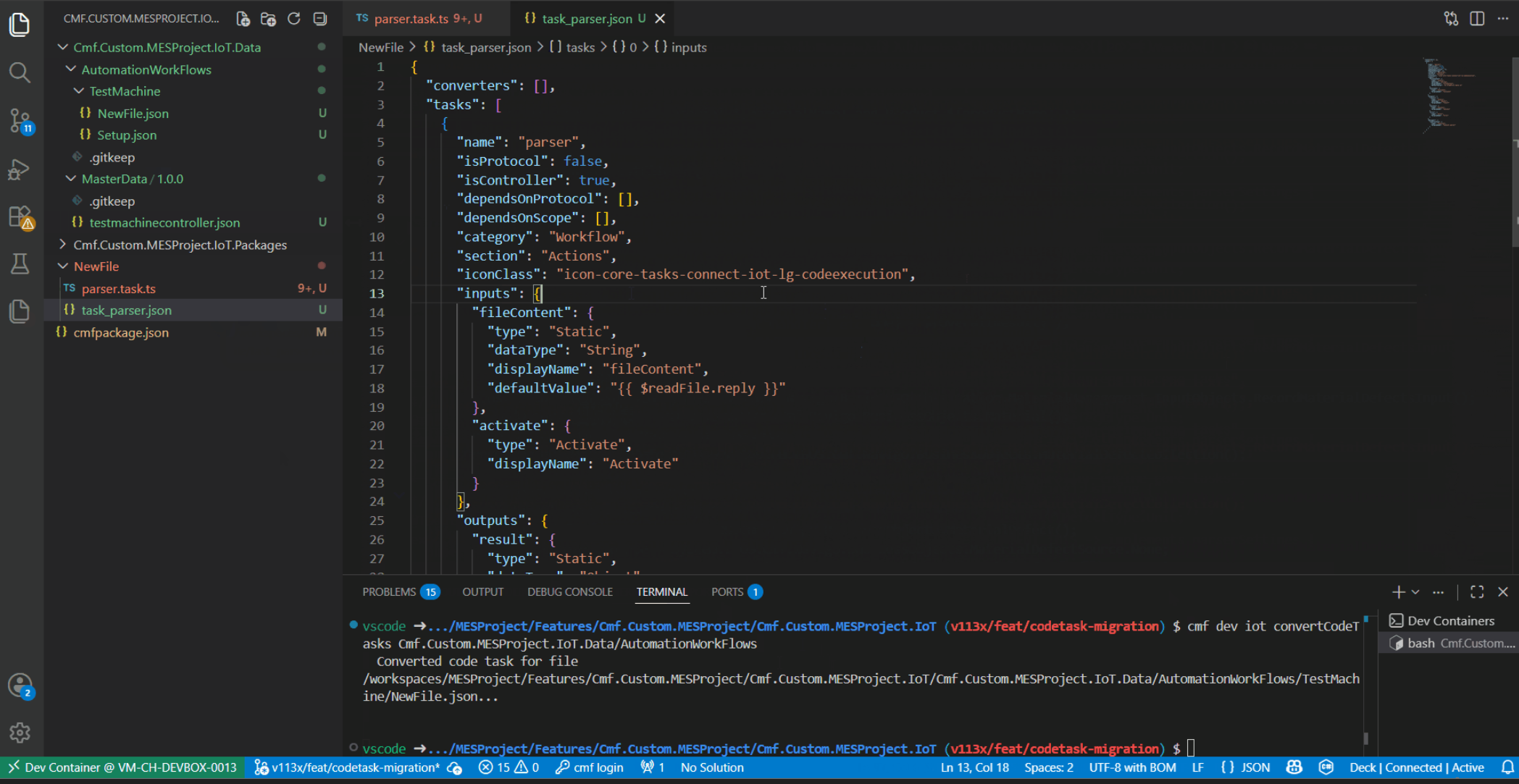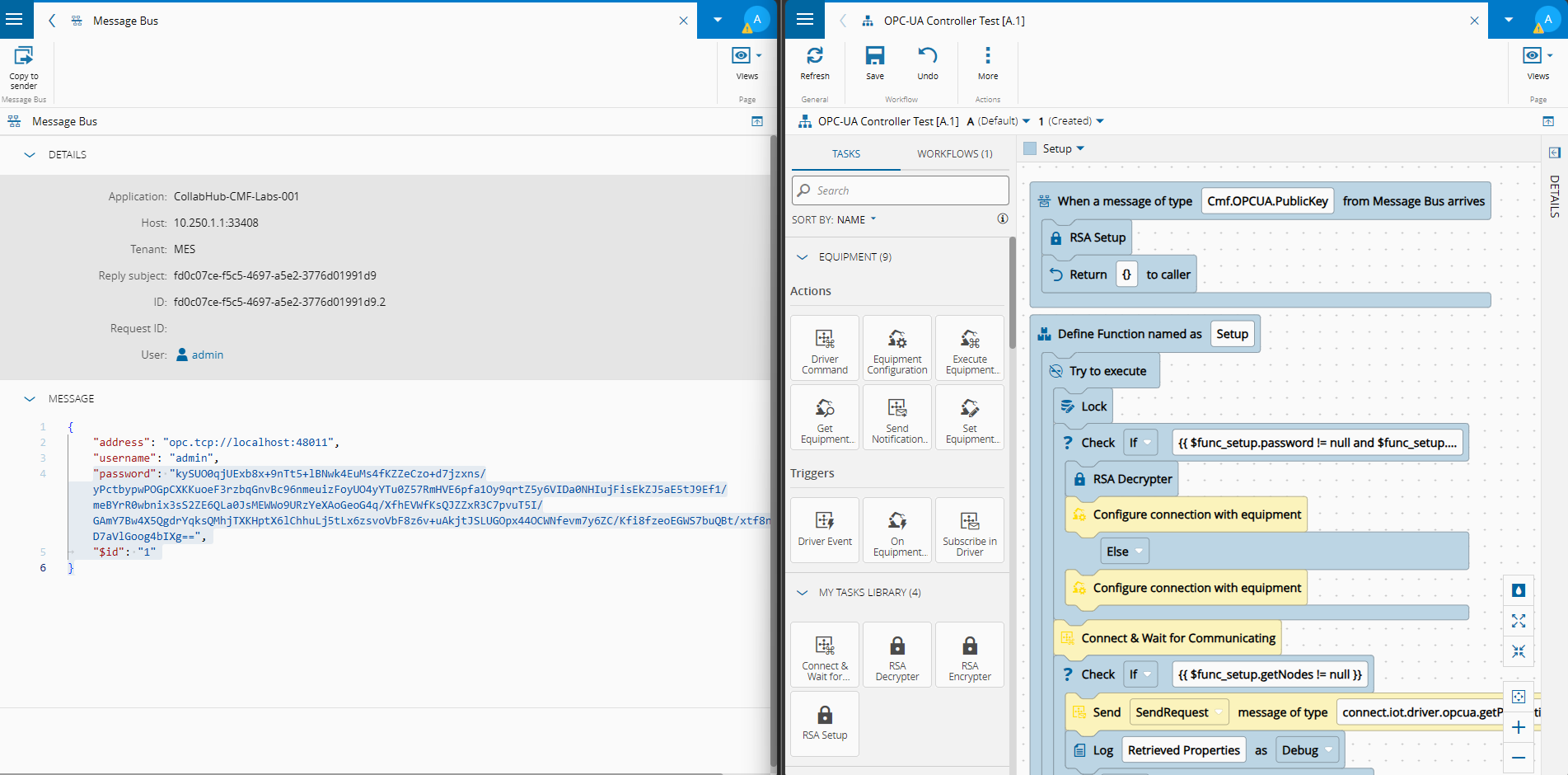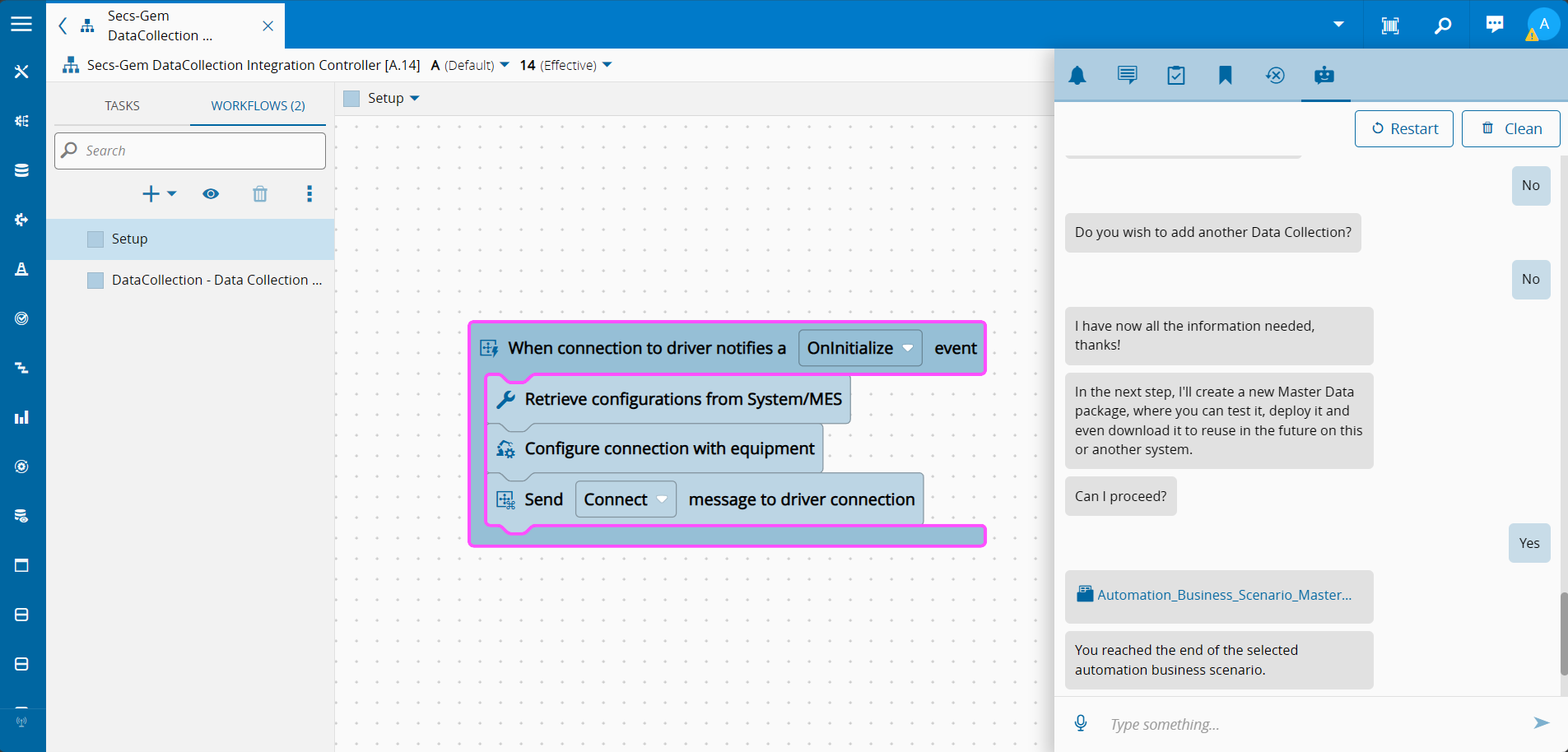
In previous blog posts we talked about how we could fully migrate a code task into a customization task and then have it reuseable across the system. Today, we are focusing on a little known middle road approach. We keep the flexibility of a code task and we expand it be injecting more helpful utilities.
No more fifty lines of helper logic copy-pasted in a Code Task, and then copy-pasted across dozens of other code tasks across your workflows. There’s a better way, and it’s been sitting in plain sight in the task library API the whole time.
The Problem With Code Tasks#
The Code Task is one of the most powerful tools in Connect IoT. It gives you an escape hatch from low code, drops you into a Typescript editor inside the workflow designer, and lets you write whatever logic you need against the framework object that’s handed to you. It’s flexible, it’s fast to iterate on, it’s update cycle is managed by CM, and it’s exactly what you reach for when a low code task or converter would be overkill for a one-off transformation.
The problem is that a Code Task is, by design, a hermetically sealed blob of text sitting inside a workflow. It has no import, no require, no access to anything outside of what the runtime injects into it. If you need the same parsing routine, the same MES query pattern, or the same binary conversion helper in five different Code Tasks across your project, you either retype it five times or you paste it and hope nobody edits one copy without the other four. Neither option ages well, and neither is testable in isolation.
Reusable Library Through a Task#
The trick is to stop thinking about the problem as “how do I share code between Code Tasks” and start thinking about it as “how do I get a library object registered somewhere every Code Task can reach.” Connect IoT already has that somewhere: the Task.Library, injected via the framework’s DI container into any task that asks for it.
A regular low code Task can request this library and register an implementation against it. Once registered, that implementation is available to every Code Task in the same controller runtime, addressed by a simple string id. This is exactly the pattern used in the controller-engine-custom-code-utilities-tasks package from CM’s mes-common-library.
Here’s the shape of it, taken directly from the customCodeUtilitiesAPI task:
import { Task, TaskBase, TYPES, DI } from "@criticalmanufacturing/connect-iot-controller-engine";
import { ID, CustomUtilitiesUtilApi } from "./customCodeUtilitiesAPI.task.util.api";
@Task.Task()
export class CustomCodeUtilitiesAPITask extends TaskBase {
@DI.Inject(TYPES.Task.Library)
    public taskCodeExecutionLibs: Task.Library;
public override async onBeforeInit(): Promise<void> {
        if (this.taskCodeExecutionLibs != null) {
            if (this.taskCodeExecutionLibs.implementations[ID] == null) {
                this.taskCodeExecutionLibs.addImplementation(ID, new CustomUtilitiesUtilApi());
            }
        }
    }
}
Three moving parts, and none of them are complicated:
@DI.Inject(TYPES.Task.Library)pulls the sharedTask.Libraryout of the container. It’s the same library instance for every task running in that controller.onBeforeInitruns once, before the task starts doing anything with inputs and outputs, which makes it the right moment to register something global.addImplementation(ID, instance)drops a plain class instance into the library under a string key, guarded by a null check so dragging the task twice into a process doesn’t clobber an already-registered implementation.
Drop this task anywhere in your process — it doesn’t even need inputs wired up, it just needs to run once — and from that point on, every Code Task in the same controller can reach into libs[ID] and call methods on a real, testable, versioned class instead of an inline copy-paste block.
A Code Task with no imports can still call into a fully unit-tested TypeScript class. You just have to register it first.
Making It Discoverable: IntelliSense in the Template#
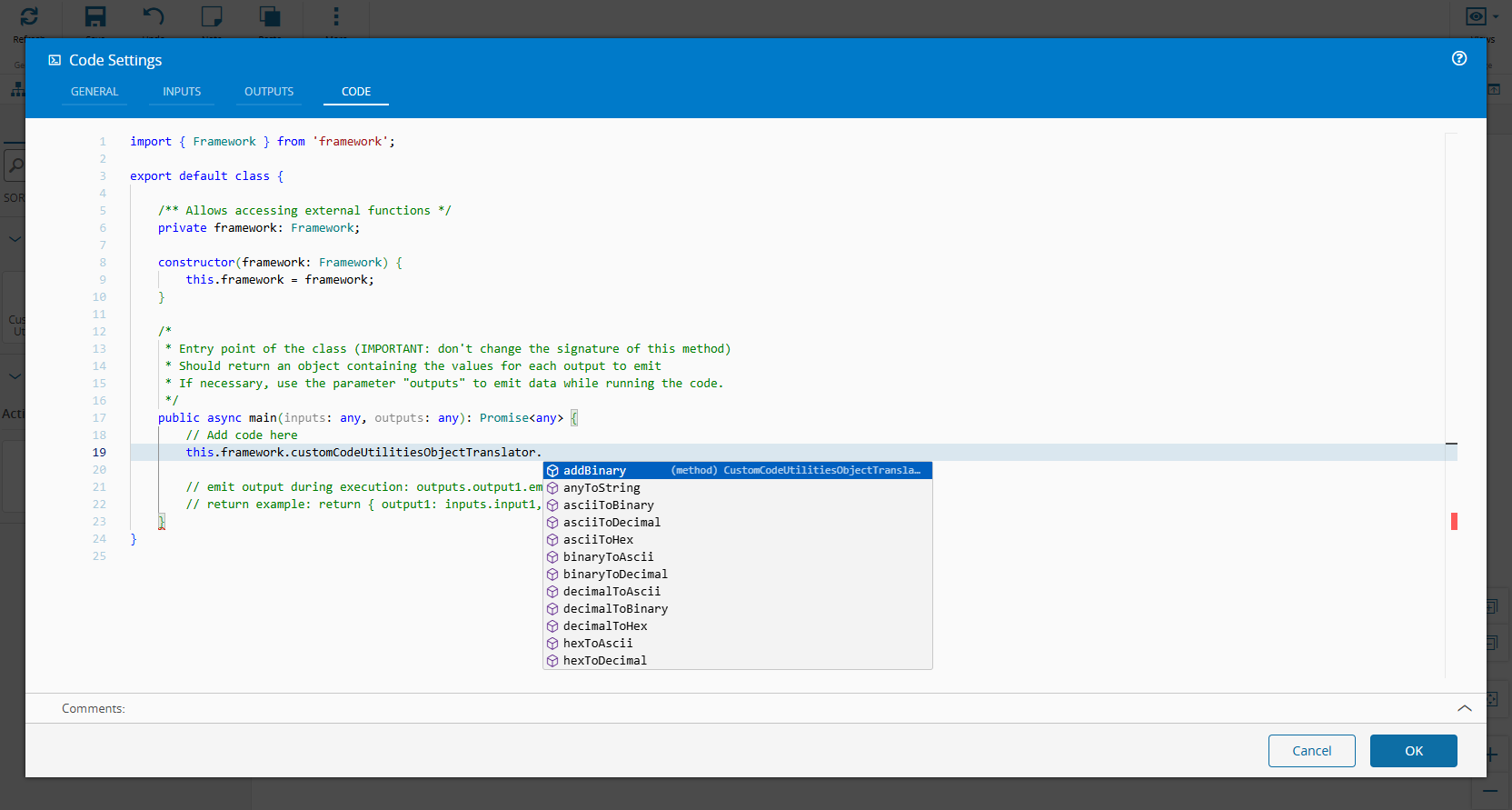
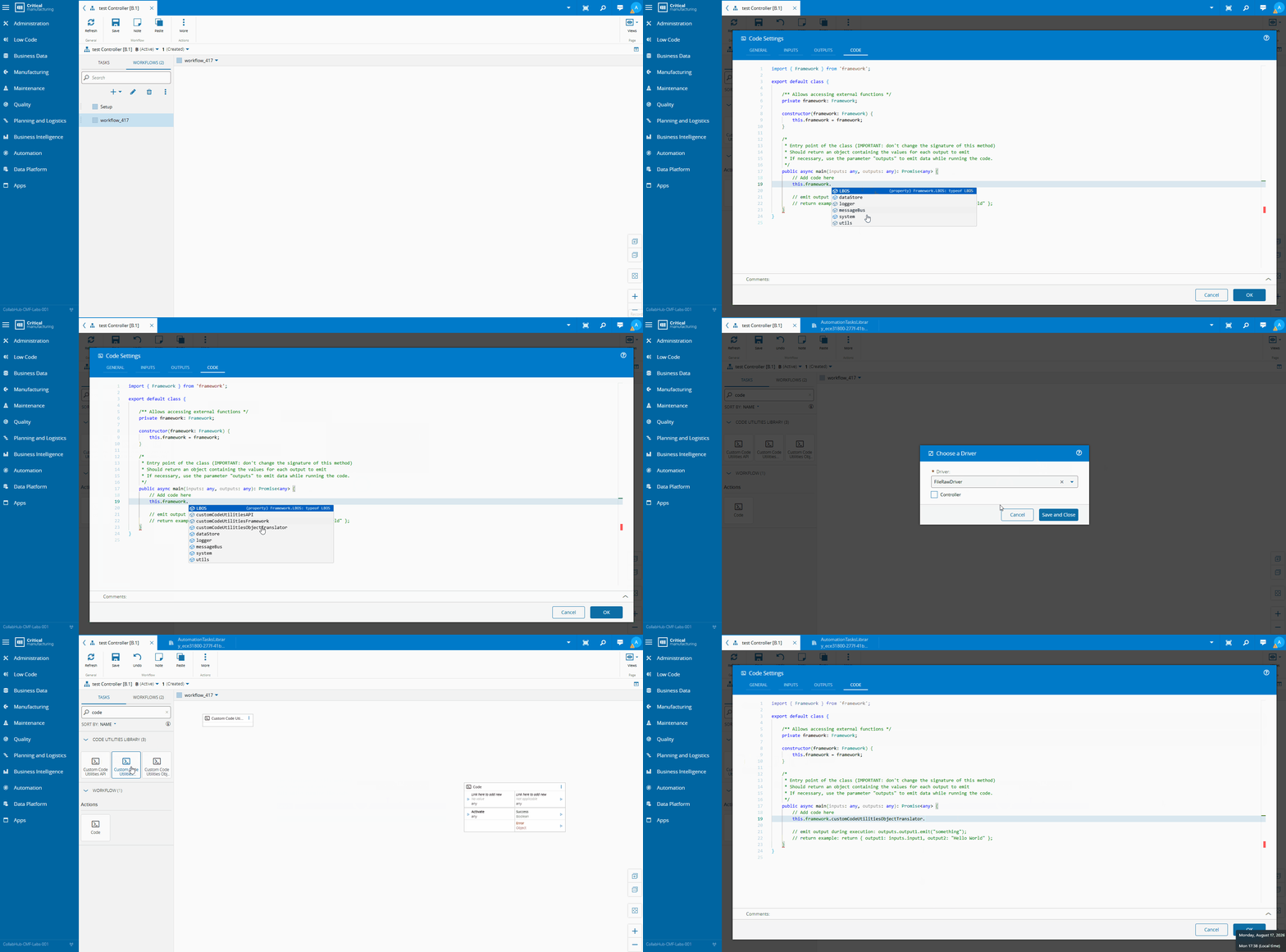
Registering the implementation solves the runtime half of the problem, but it leaves a rough edge: how does the person writing the Code Task know that this.framework.customCodeUtilitiesAPI even exists, let alone what methods it exposes? Nobody wants to reverse-engineer a library from a compiled .js file while sitting in a workflow designer.
This is where the templates/ folder in the package earns its keep. Each task ships a task_*.json definition that wires a beforeInit trigger to a small script:
{
  "tasks": [
    {
      "name": "customCodeUtilitiesAPI",
      "scripts": {
        "injectUtilitiesHTML": "${script(./scripts/customCodeUtilitiesAPI/injectUtilitiesHTML.ts)}"
      },
      "triggers": {
        "beforeInit": [
          { "type": "Reference", "script": "injectUtilitiesHTML" }
        ]
      }
    }
  ]
}
That script runs in the designer itself, not in the controller runtime, and its only job is to hand the Code Task editor a .d.ts snippet describing the shape of the library it just registered:
export function injectUtilitiesHTML(): IoTATLScriptContextTest {
    return {
        _execute: async function () {
            const ID: string = "customCodeUtilitiesAPI"
            const UTIL_API_DTS_CONTENT: string = `
export interface customUtilitiesAPI {
    getObjectById(framework: any, id: string, type: string, levelsToLoad?: number, typeIsTypeId?: boolean, settings?: SystemApiUtilsSettings): Promise<any>;
    getObjectByName(framework: any, name: string, type: string, levelsToLoad?: number, typeIsTypeId?: boolean, settings?: SystemApiUtilsSettings): Promise<any>;
    loadAttributes(framework: any, entity: any, specificAttributes?: string[], settings?: SystemApiUtilsSettings): Promise<any>;
    executeQuery(framework: any, queryObject: any, parameterCollection?: any, settings?: SystemApiUtilsSettings): Promise<any>;
    setInstanceSystemState(framework: any, instanceId: string, newState?: System.LBOS.Cmf.Foundation.BusinessObjects.AutomationSystemState,
        newCommunicationState?: System.LBOS.Cmf.Foundation.BusinessObjects.AutomationCommunicationState, settings?: SystemApiUtilsSettings): Promise<void>;
}`;
            const UTIL_API_CLASS_NAME: string = "customUtilitiesAPI";
this.service?.container.library.addFields(
                { name: ID, type: UTIL_API_CLASS_NAME }
            );
            this.service?.container.library.addDefinitions(
                UTIL_API_DTS_CONTENT
            );
        },
    };
}
Two calls do all the work: addFields tells the editor’s code completion that a field named customCodeUtilitiesAPI exists and has type customUtilitiesAPI, and addDefinitions feeds it the actual interface declaration for that type. Every one of the three example tasks follows this exact recipe, hand-writing an interface that mirrors the real class’s public methods.
This is the part that’s easy to overlook and easy to get out of sync: the .d.ts string is a manually maintained shadow of the actual implementation class. It buys full IntelliSense — method names, parameter hints, return types — in a Code Task editor that has no module system to speak of, but it means every time you touch the real class you also owe the template a matching update.
Three Working Examples#
The repository ships three of these registration tasks, and each one is a good template for a different flavor of shared logic.
API helpers: customCodeUtilitiesAPI#
CustomUtilitiesUtilApi wraps the repetitive parts of talking to MES from a Code Task, resolving objects by id or name, loading attributes, executing queries, flipping automation states, behind retry logic that already exists elsewhere in the framework (Utilities.ExecuteWithSystemErrorRetry):
public async getObjectByName(framework: any, name: string, type: string, levelsToLoad?: number,
    typeIsTypeId?: boolean, settings?: SystemApiUtilsSettings): Promise<any> {
    settings = settings || SystemApiUtilsDefaults;
    typeIsTypeId = typeIsTypeId || false;
    levelsToLoad = levelsToLoad || 0;
    let typeName = type;
if (typeIsTypeId === true) {
        typeName = await (this.resolveSystemTypeName(framework, type, settings));
    }
const input = new (await System.LBOS.Cmf.Foundation.BusinessOrchestration.GenericServiceManagement.InputObjects.GetObjectByNameInput)();
    input.Name = name;
    input.LevelsToLoad = levelsToLoad;
    input.Type = typeName;
const res = await Utilities.ExecuteWithSystemErrorRetry(framework.logger, settings.maxRetries, settings.sleepBetweenRetries, async () => {
        return (await framework.system.call(input));
    });
return (res.Instance);
}
Notice that framework is still passed in as a parameter rather than captured somewhere. The class doesn’t own a framework reference, the caller hands it one, which means the exact same instance works no matter which controller or which Code Task calls it. It also keeps the class trivially mockable in unit tests, since framework is just an argument.
Stateful mapping: customCodeUtilitiesFramework#
CustomCodeUtilitiesFramework is a step up in complexity — it resolves MES Smart Tables, caches the results in memory keyed by a hash of the lookup context, and persists that cache to the controller’s data store so it survives a restart:
public async resolveSmartTable(framework: any, contextTableKeys: Map<string, any>,
    contextResolveValues: Map<string, any>,
    mappingTablePersistedName: string,
    configurationTable: string,
    onlyFirstRow: boolean = false,
    skipCache: boolean = false): Promise<any> {
    // ...builds a hash from contextTableKeys, checks the in-memory cache,
    // and falls back to a ResolveSmartTableInput call against MES on a miss
}
This is the case that really justifies sideloading. Nobody wants to reimplement cache invalidation and persistence semantics inline in a Code Task editor, and definitely not five times. Registering this once as a library implementation means the caching behavior is defined, tested, and versioned in exactly one place.
Stateless conversion: customCodeUtilitiesObjectTranslator#
CustomUtilitiesUtilObjectTranslator is the simplest of the three — no MES calls, no framework dependency at all, just pure functions for ASCII/binary/hex/decimal conversion and non-printable character handling, the kind of thing that shows up constantly when talking to raw protocols like SECS/GEM or serial equipment:
public asciiToHex(input: string): string {
    let result = '';
    for (let i = 0; i < input.length; i++) {
        result += input.charCodeAt(i).toString(16);
    }
    return result;
}
public hexToAscii(input: string): string {
    return Buffer.from(input, 'hex').toString();
}
Small, deterministic, easy to unit test in complete isolation and exactly the kind of helper that otherwise gets retyped slightly wrong in a different Code Task every time someone needs it.
Why Bother#
You could argue this is a lot of ceremony for something you could just paste into a Code Task. The payoff shows up the moment you have more than one Code Task that needs the logic, or the moment you need to change it.
- One source of truth. Fix a bug in
resolveSmartTableonce, and every Code Task referencing it gets the fix on the next deploy. No hunting through the process designer for every pasted copy. - Real unit tests. These are plain TypeScript classes with injected dependencies, not inline strings inside a workflow. The package’s own
test/unitfolder does exactly this, spinning up the task throughEngineTestSuite.createTasksand asserting the implementation lands in the library. - Explicit versioning. The library ships and versions like any other task library package, so you know exactly which behavior a given deployment is running.
- Zero friction for the consumer. From inside a Code Task, using the utility is just a lookup by id. No build step, no bundling concerns baked into the workflow itself.
Final Thoughts#
Code Tasks are meant to be an escape hatch, not a place to build a mini framework by copy-paste. The moment you notice the same block of logic showing up in a second Code Task, that’s the signal to pull it into a Task.Library implementation instead. It costs you one small registration task and a class definition, and it buys you testability, a single point of maintenance, and a Code Task editor that stays exactly as short as it should be.